It is 6:45 PM on a Friday. A couple is walking down Main Street, trying to decide where to eat. One of them pulls out their phone, searches "restaurants near me," and taps on your listing. Your site loads. They tap "Menu." A PDF starts downloading. Five seconds pass. Eight seconds. The file opens, but the text is tiny. They pinch to zoom, scroll sideways, lose their place. They look at each other, shrug, and tap the back button.
The restaurant next door has its menu in plain HTML. It loads in under a second. The couple can read it without zooming. They see the specials. They walk in.
That is what a PDF menu costs you. Not once — every single day.
The PDF menu problem
PDF menus made sense in 2010. You had a designer lay out your menu, you exported it as a PDF, and you uploaded it to your site. Done. But the world moved to mobile, and PDFs did not move with it.
Here is what a PDF menu actually does to your restaurant:
- It loads slowly. A typical restaurant PDF is 2-5 MB. On a mobile connection — especially inside a building with weak signal — that takes 5-10 seconds to load. Google's own research shows that 53% of mobile visitors leave a page that takes longer than three seconds. Your menu is not even on screen yet and you have already lost half your potential customers.
- Google cannot read it. Search engines index text, not images embedded in PDFs. If your menu is a PDF, Google does not know you serve a smoked brisket sandwich or a house-made tiramisu. Those dishes cannot appear in search results. You are invisible for the exact searches that bring hungry customers through your door.
- Updating it is a production. Every time you change a price, add a seasonal special, or 86 a dish, you need to edit the PDF, re-export it, and re-upload it. Most restaurant owners do not have time for that, so the PDF stays outdated. Customers show up expecting the mahi tacos that were removed six months ago. That is a bad first impression.
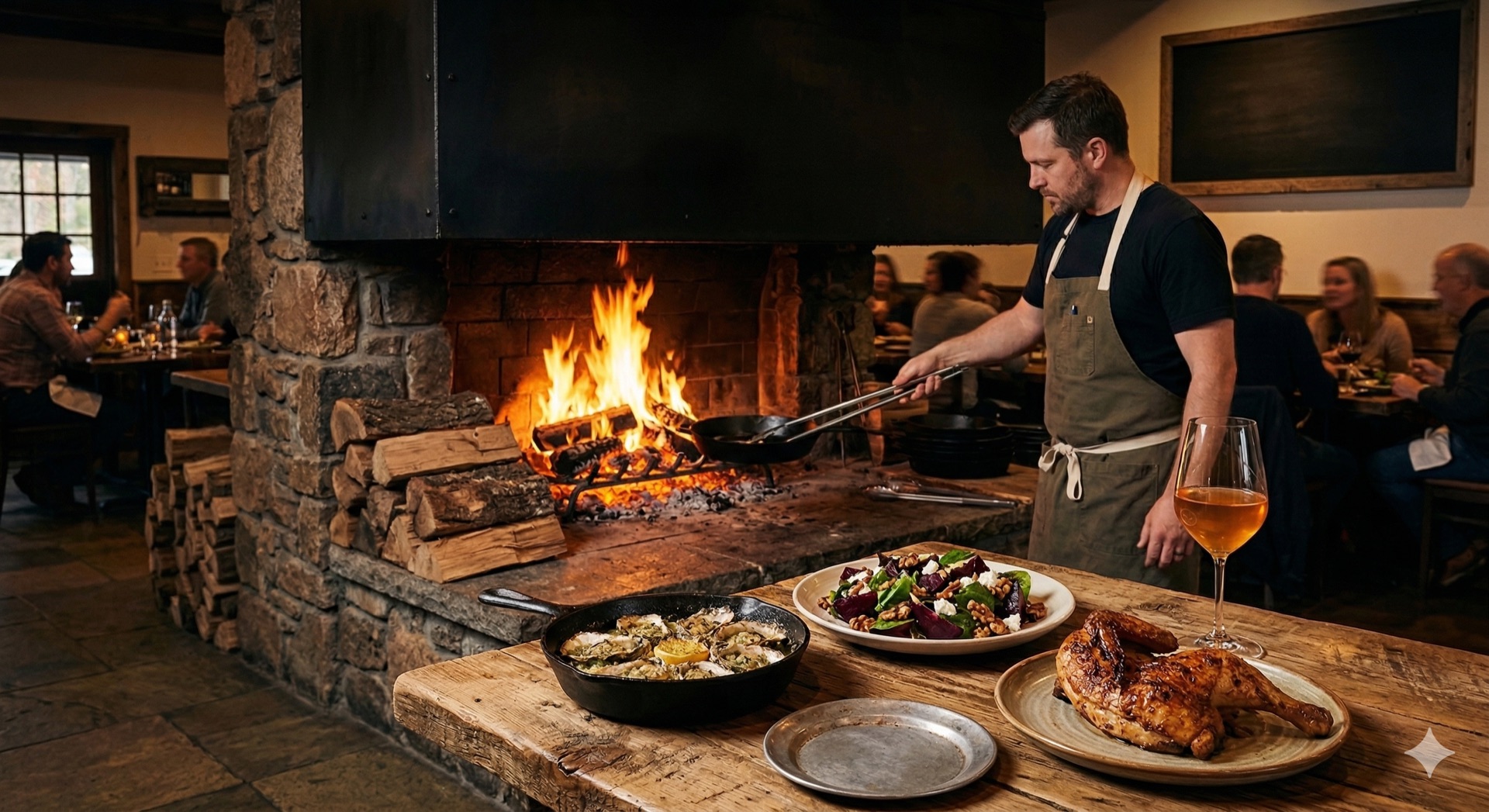
What happens when your menu is searchable
When your menu lives as real text on your website — not trapped inside a PDF — something powerful happens. Google can read every item, every description, every ingredient. Suddenly your restaurant shows up when someone searches "best tacos near me" or "restaurant with gluten-free options downtown."
This is not theoretical. Restaurants with HTML menus rank for hundreds of dish-specific and dietary-specific searches that PDF menus completely miss. Each menu item becomes a potential entry point for a new customer.
Your specials page works the same way. When you add a weekend brunch special, Google indexes it. Someone searching "brunch near me Saturday" finds your restaurant — not because you paid for an ad, but because your website actually told Google what you serve.
Update your menu from your phone
The best solution is also the simplest. Your menu lives in a Google Sheet. Each row is a menu item — name, description, price, category, dietary tags. When you add a row, your website updates. When you change a price, it changes on the site. When you remove a dish, it disappears.
No developer calls. No PDF exports. No uploading files. You can update your menu from the kitchen, from the bar, from your couch at midnight when you decide to add a new appetizer for tomorrow's service.
Your specials work the same way — and the same approach powers menus for food trucks and catering operations. Add a row to the Specials tab in your Google Sheet and it appears on your website with the description, price, and any notes. Remove it when the special ends. The entire process takes less time than it took to read this paragraph.
This is how we build restaurant websites at GridSync. The menu is fast, searchable, mobile-friendly, and entirely under your control. No middlemen between you and your customers.
See it in action: Oak & Ember is a restaurant example site with a full menu powered by Google Sheets. Try it on your phone. Notice how fast it loads compared to every PDF menu you have ever tapped on.
Your food is not a PDF. Your menu should not be one either. See what a menu-ready restaurant site costs.
Ready to free your menu from the PDF?
Get a restaurant website with a menu that loads instantly, ranks in Google, and updates from a spreadsheet on your phone. No developer required.
Get Your Free Estimate